How to Prevent Scope Creep in Web Design Projects
Prevent scope creep in web design: count pages and features, list exclusions, cap revisions, name one approver, and quote every new ask before work starts.

If you want to know how to prevent scope creep in web design, the honest answer is that it's mostly decided before the first mockup. Count the pages, templates and features. Write down what's excluded. Put a number on revision rounds and say what one round means. Make content the client's job with a due date, name one approver, and send every new idea through one written path where it gets a price before anyone starts on it.
None of that is complicated. The trouble is that most web projects skip two or three of these steps because the kickoff call felt friendly and everyone wanted to get going. This guide walks through each step, with the wording, a checklist, and a worked example you can steal.
How do you prevent scope creep in web design?
You prevent scope creep in a web design project by making the scope countable, writing exclusions as clearly as inclusions, capping revisions, setting content and feedback deadlines, naming one approver, and routing every new request through a written process where it's sorted as included or extra and priced before work starts.
Notice that only part of that is about the contract. A tight scope of work helps, but scope creep in web projects usually comes in through the side door: a Slack message, a comment on the staging site, a "quick" call where the client's marketing lead joins for the first time. So prevention has two halves:
Before the project: make the scope specific enough that anyone can tell what's in and what isn't.
During the project: make sure every new ask hits that scope before it hits your team.
Most advice covers the first half and stops. The second half is where the hours actually leak.
What causes scope creep in web design projects?
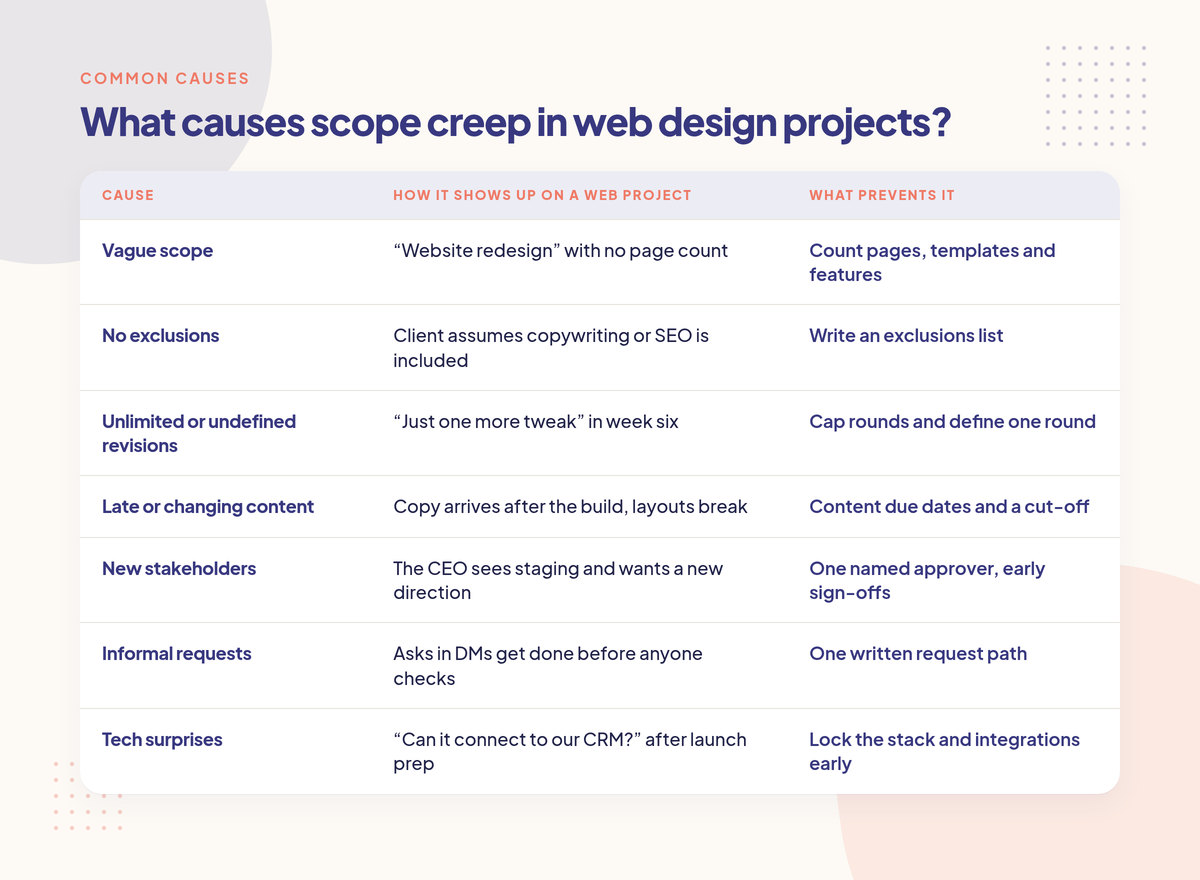
The most common causes are a vague scope ("a modern website"), no limit on revisions, content arriving late or changing late, new stakeholders joining mid-project, and requests that arrive informally and get done before anyone checks whether they were included. Two causes come up again and again: an unclear scope and no change process.
If you've read our explainer on what scope creep is, you'll know the PMI definition: "the uncontrolled expansion of product or project scope without adjustments to time, cost, and resources." The key word is uncontrolled. Changes aren't the problem. Changes that nobody prices or schedules are.
For context, PMI's 2018 Pulse of the Profession survey, reported in PM Network's "Scope Patrol" article, found 52% of projects completed in the previous 12 months had scope creep or uncontrolled changes, up from 43% five years earlier. That survey covers project professionals in larger organisations, not freelance web studios, so treat it as a sign of how common this is everywhere rather than a number about your business.
Here's how the usual causes show up on a website job:
Cause | How it shows up on a web project | What prevents it |
|---|---|---|
Vague scope | "Website redesign" with no page count | Count pages, templates and features |
No exclusions | Client assumes copywriting or SEO is included | Write an exclusions list |
Unlimited or undefined revisions | "Just one more tweak" in week six | Cap rounds and define one round |
Late or changing content | Copy arrives after the build, layouts break | Content due dates and a cut-off |
New stakeholders | The CEO sees staging and wants a new direction | One named approver, early sign-offs |
Informal requests | Asks in DMs get done before anyone checks | One written request path |
Tech surprises | "Can it connect to our CRM?" after launch prep | Lock the stack and integrations early |
What are common scope creep examples in web design?
Typical web design scope creep examples include adding pages beyond the agreed count, new features like booking, membership or a shop, extra revision rounds, writing or rewriting copy, new integrations, extra languages, redesigning an approved page because someone new saw it, and post-launch "small changes" that were never part of the project.
A few more that catch people out because they don't look like new work:
"Can you just add a blog?" A blog is a template, a listing page, categories, maybe search, and someone has to load the posts.
"Make it work like this other site." Usually means a new interaction, animation or layout system.
Image hunting. The client has no photos, so the designer ends up sourcing stock and editing it.
Content migration. Moving 80 old posts from a previous CMS is days of work if nobody scoped it.
Browser and device testing beyond what you normally cover.
Training and handover calls that turn into weekly support.
If a request makes you pause and think "was that in?", it's worth checking before you open the file. Our out-of-scope scripts cover how to say it when the answer is no.
Step 1: Make the scope countable
A web design scope is countable when it lists the number of pages, the number of unique templates, the specific features and integrations, and what "done" means for each. "A five-page brochure site" is better than "a new website", and "five pages built from three templates, one contact form, no CMS user roles" is better still.
Counting matters because it gives you something to compare a request against. When the client asks for a sixth page, there's no debate. The scope says five.
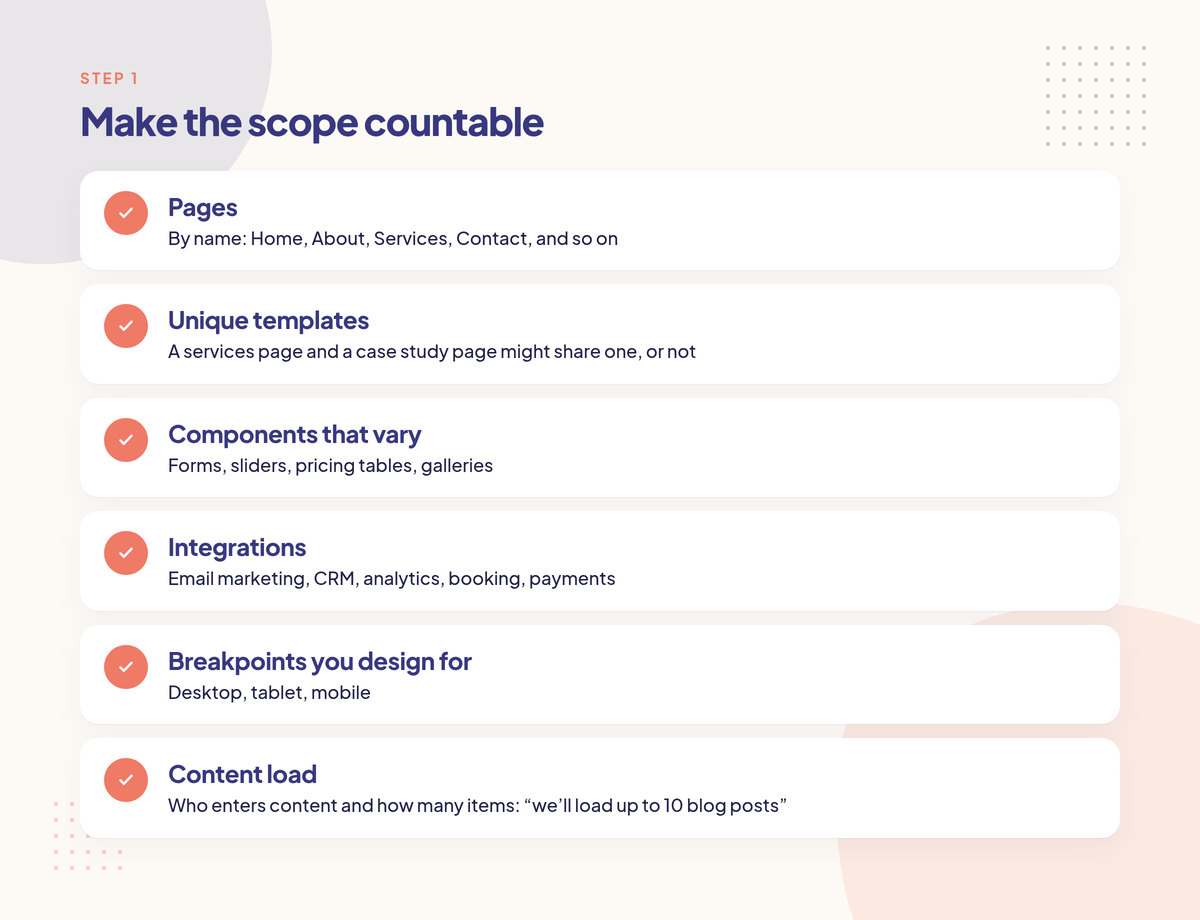
What to count on a typical web project:
Pages (by name: Home, About, Services, Contact, and so on)
Unique templates (a services page and a case study page might share one, or not)
Components that vary (forms, sliders, pricing tables, galleries)
Integrations (email marketing, CRM, analytics, booking, payments)
Breakpoints you design for (desktop, tablet, mobile)
Content load (who enters content and how many items: "we'll load up to 10 blog posts")
Add simple acceptance criteria where it helps. "The contact form sends to one email address and shows a thank-you message" is something both sides can test. "A great contact experience" is not.
You don't need to write all this from scratch. Start from a scope of work template and fill in the numbers.
Step 2: Write the exclusions as clearly as the inclusions
Exclusions are a short list of things the project does not include, written in plain words. They stop assumptions before they turn into arguments. For web projects, the usual ones are copywriting, stock photography, SEO beyond basic setup, content migration, extra languages, ongoing maintenance and hosting support.
Clients rarely assume you'll build a mobile app. They often assume you'll write the copy, set up their email, fix their Google Business profile, and "do the SEO". If it's not excluded in writing, you'll have the conversation in week four instead of week zero, and it'll be harder.
A web design exclusions list you can adapt:
Copywriting or editing beyond [X] pages
Sourcing, buying or editing stock photography
Logo or brand identity work
Content migration from the old site
Ongoing SEO, ads or content marketing
Extra languages or translated versions
New integrations not listed above
Hosting, domain and email setup or support
Changes after launch (covered separately by a website maintenance retainer)
Add one line under the list: "Anything not listed under Included is treated as a change and quoted before work starts." That single sentence does more work than the rest of the page. If you want contract wording for it, our scope creep clause post has a template.
Step 3: Cap revisions and define what one round means
Set a fixed number of revision rounds for each stage, usually two or three for design, and define a round as one consolidated set of feedback from the named approver, delivered by a date. Anything past the cap is priced as an extra round. Without a definition, "two rounds" turns into twenty small emails.
Most freelancers write "two rounds of revisions" and leave it there. Then the client sends feedback in seven separate messages over a week and argues it was all one round. Define it:
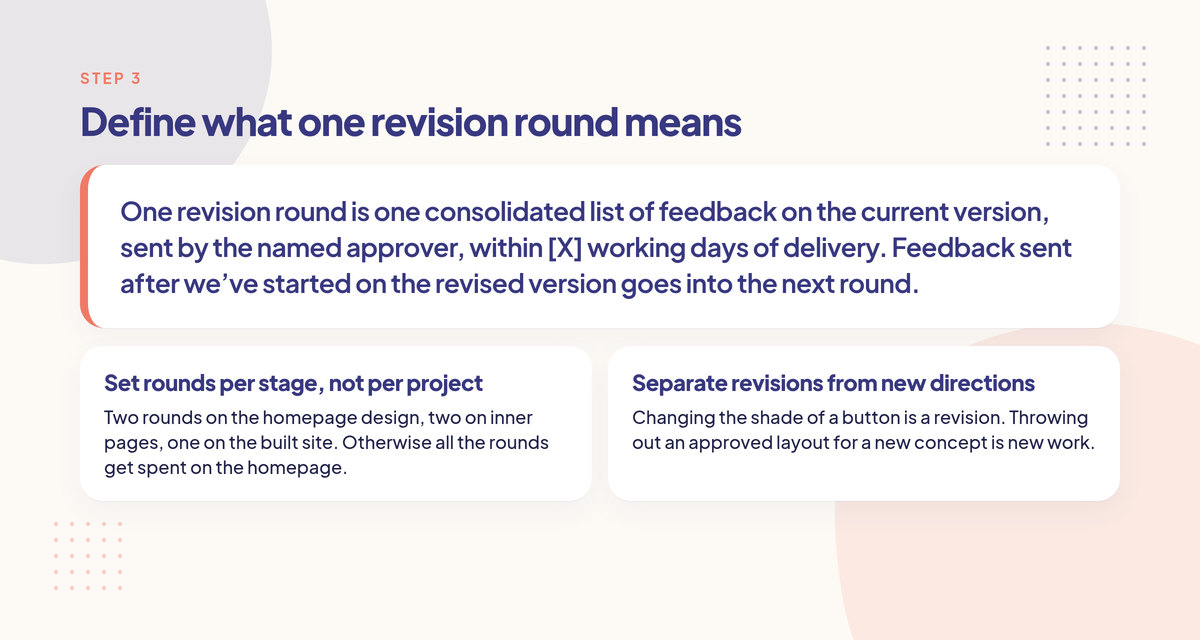
One revision round is one consolidated list of feedback on the current version, sent by the named approver, within [X] working days of delivery. Feedback sent after we've started on the revised version goes into the next round.
Two more things help:
Set rounds per stage, not per project. Two rounds on the homepage design, two on inner pages, one on the built site. Otherwise all the rounds get spent on the homepage.
Separate revisions from new directions. Changing the shade of a button is a revision. Throwing out an approved layout for a new concept is new work. How to handle a client who keeps changing their mind has the three-way sort and the scripts. Our post on handling extra revision requests covers how to price rounds past the cap.
Step 4: Make content the client's job, with due dates
On most web projects, late or changing content causes more scope creep than design feedback does. Agree who supplies copy, images, video and downloads, in what format, and by which date. Add a content cut-off: anything that arrives after it is either added post-launch or quoted as extra.
Here's the usual pattern. You design around placeholder text. Real copy arrives two weeks late and it's three times longer. Now the layouts don't work, the client wants a new section to fit a testimonial block, and the "small fix" is a redesign of three pages.
Put these in the scope:
Who writes the copy (and if it's you, how many pages and words)
Who supplies images, and in what size and format
A due date for each batch of content, tied to the project schedule
A cut-off date after which new content is a change request
What happens to the timeline if content is late (the launch date moves, it doesn't get squeezed)
That last point matters. If the client is two weeks late with content, the launch is two weeks later. You don't owe them rush work to make up for their delay. If they still want the original date, that's a rush fee.
Step 5: Name one approver and set feedback deadlines
Agree on one person on the client side who gives consolidated feedback and signs off each stage, with a backup for holidays. Set response times, for example feedback within two working days. A single approver stops late stakeholders from reopening approved work, and deadlines stop silent delays that later become "urgent" requests.
The classic web project problem: the marketing manager approves the design, you build it, and then their boss sees the staging link and wants a different direction. Nobody did anything wrong, but you now have a redesign on your hands.
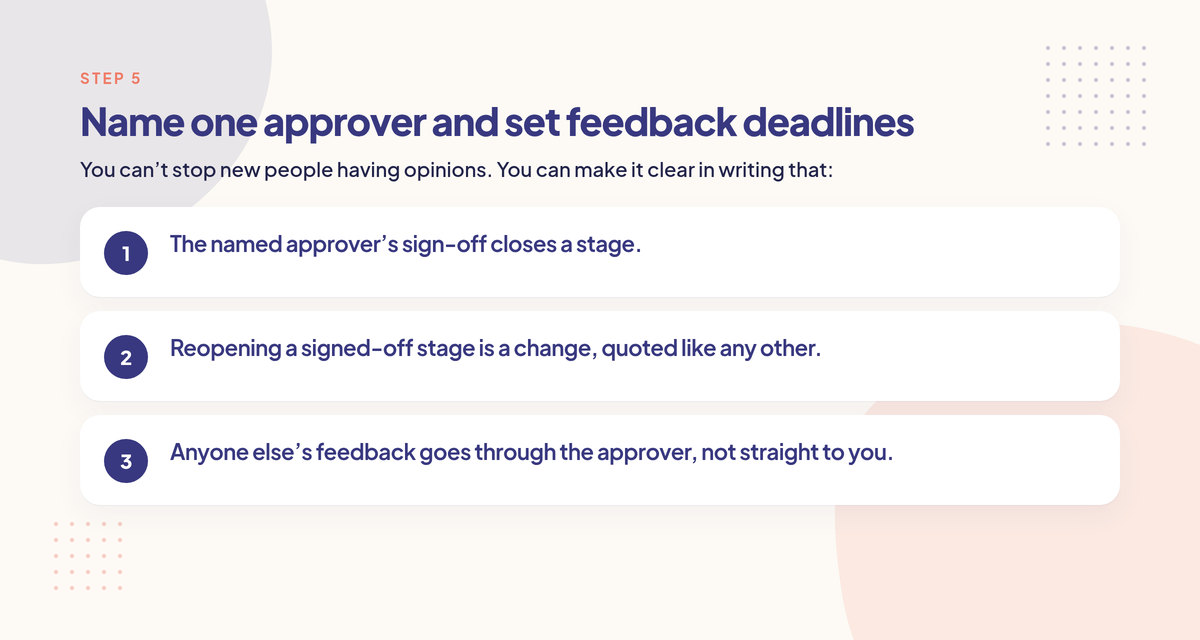
You can't stop new people having opinions. You can make it clear in writing that:
The named approver's sign-off closes a stage.
Reopening a signed-off stage is a change, quoted like any other.
Anyone else's feedback goes through the approver, not straight to you.
Ask at kickoff, "Who else will see this before launch?" If the answer is "the founder, probably", get the founder to look at the direction early, while changes are cheap.
Step 6: Lock the tech stack and integrations early
Before design starts, agree the CMS, hosting setup, integrations (forms, CRM, email marketing, analytics, payments, booking) and any technical requirements like accessibility level or performance targets. Hidden technical work is one of the quietest sources of scope creep because it looks small until you start building it.
"Can the form send leads to our CRM?" sounds like five minutes. Sometimes it is. Sometimes it's an API key nobody has, a paid plan the client hasn't bought, and a day of testing. If integrations aren't listed in the scope, each one is a change.
Write down:
The CMS and who will edit the site after launch
Each integration by name
Browser and device support
Accessibility target, if any. If you name one, name the standard, for example a WCAG level (W3C's WCAG overview explains the levels), and say which pages and templates it covers
What access you need from the client (DNS, analytics, hosting) and by when
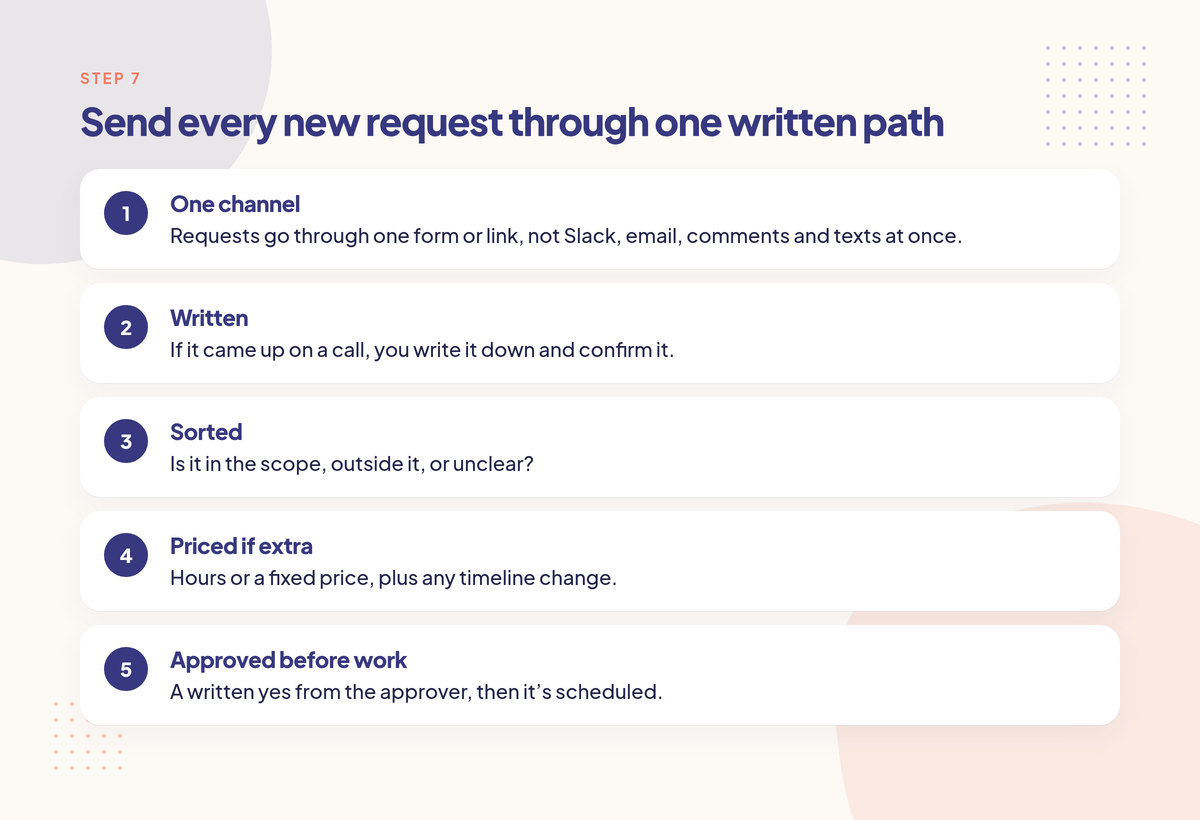
Step 7: Send every new request through one written path
Prevention during the project means every new ask arrives in one place, in writing, and gets checked against the scope before anyone works on it. Each request is sorted as included, extra or needs review. Included work goes ahead. Extras get a quote. Nothing gets built from a DM or a call.
This is the step most web designers skip, and it's why a good contract still doesn't stop scope creep. The contract says five pages. But the sixth page was asked for in a voice note, someone on your team started it because the client seemed in a hurry, and now it feels rude to bill for it.
Formal project management has a name for this: change control. The UK government's Teal Book chapter on change control says changes should only go in through a structured process with an impact assessment. APM's guide to change control describes the steps as capturing a change, assessing it, then approving, rejecting or deferring it. Those are written for large projects, but the idea works fine for a five-page site.
For a small studio, the lightweight version is:
One channel. Requests go through one form or link, not Slack, email, comments and texts at once. Our post on setting boundaries with demanding clients has the wording for this.
Written. If it came up on a call, you write it down and confirm it.
Sorted. Is it in the scope, outside it, or unclear?
Priced if extra. Hours or a fixed price, plus any timeline change.
Approved before work. A written yes from the approver, then it's scheduled.
A change request form gives you the fields. When the answer is "that's extra", the out-of-scope email template gives you the wording.
Step 8: Quote extras before anyone starts
Price every extra before the work begins, with the cost, the timeline effect and what it replaces if anything. Then wait for a written yes. A price agreed before the work is a normal business decision; a price sent after the work is done usually turns into an argument or a write-off.
Give the client real options, not just a bill:
Add it for this price, and the launch moves by this many days.
Swap it for something of similar size that's already in scope.
Park it for phase two, after launch.
Plenty of clients pick "park it" once they see a price, which is fine. The project stays on track and you've got a list of paid work for later. Our guide to pricing a change request walks through the formula, and the scope creep calculator helps you see what unbilled extras would have cost you.
What should a web design scope of work include?
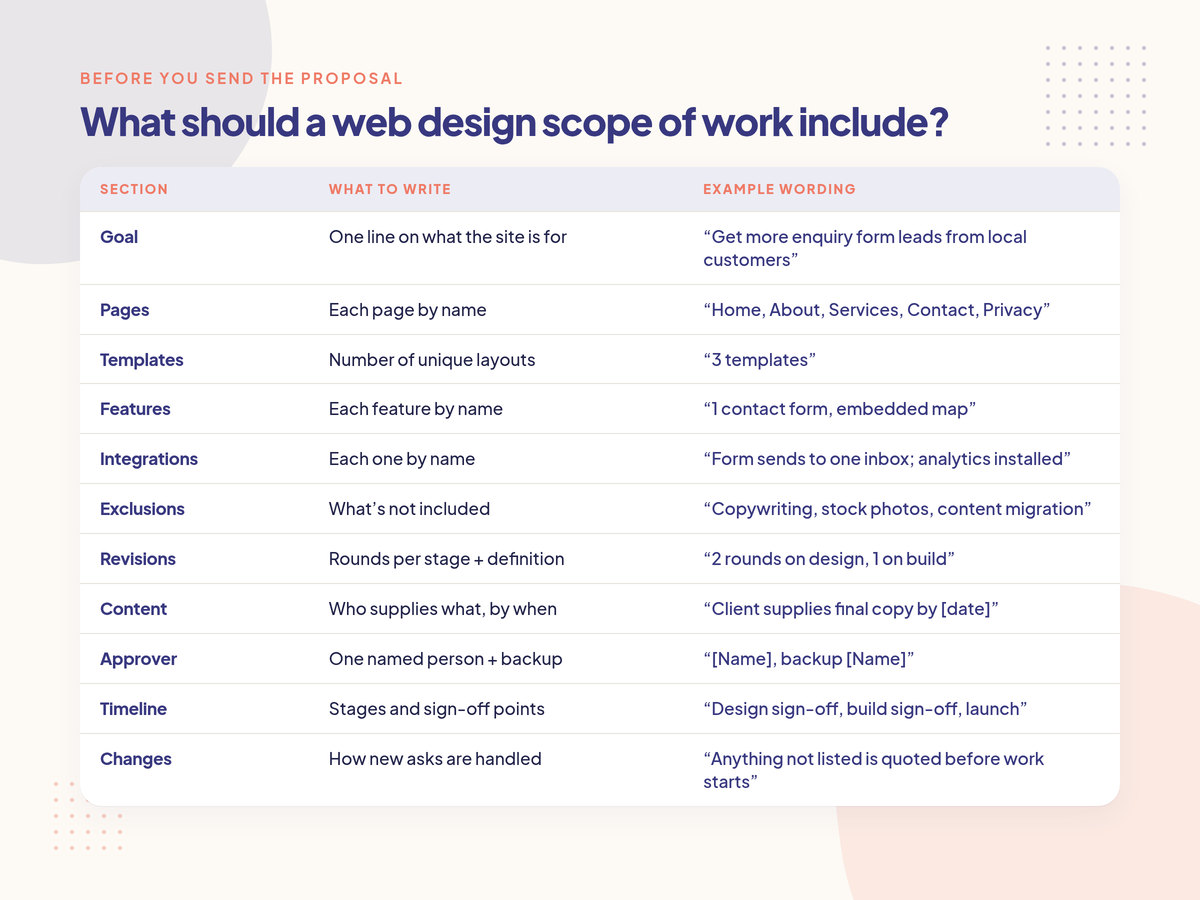
A web design scope of work should include the project goal, a counted list of pages and templates, features and integrations, exclusions, revision rounds per stage with a definition of a round, content responsibilities and due dates, a named approver, timeline and sign-off points, acceptance criteria, and a rule that anything not listed is quoted as a change.
Use this as a checklist before you send the proposal:
Section | What to write | Example wording |
|---|---|---|
Goal | One line on what the site is for | "Get more enquiry form leads from local customers" |
Pages | Each page by name | "Home, About, Services, Contact, Privacy" |
Templates | Number of unique layouts | "3 templates" |
Features | Each feature by name | "1 contact form, embedded map" |
Integrations | Each one by name | "Form sends to one inbox; analytics installed" |
Exclusions | What's not included | "Copywriting, stock photos, content migration" |
Revisions | Rounds per stage + definition | "2 rounds on design, 1 on build" |
Content | Who supplies what, by when | "Client supplies final copy by [date]" |
Approver | One named person + backup | "[Name], backup [Name]" |
Timeline | Stages and sign-off points | "Design sign-off, build sign-off, launch" |
Changes | How new asks are handled | "Anything not listed is quoted before work starts" |
If the project is a retainer rather than a one-off build, the same idea applies, but you'll want to read what should be included in a retainer agreement as well.
Is scope creep always bad?
No. Scope creep is the uncontrolled part. A client wanting more is often good news: it means they like the work and have budget. The problem is only when extra work gets done without a price or a timeline change. Controlled, approved changes are just more paid work.
This is worth saying to clients too. You're not trying to stop them having ideas. You're making sure ideas get priced and scheduled so the original launch doesn't slip and nobody's surprised by the invoice.
It's also worth saying to yourself. A lot of web designers absorb extras because asking for money feels awkward. If that's you, look at what those "small" asks add up to over a project. Our post on calculating the cost of scope creep shows how to work it out.
Example (hypothetical): a five-page site that tried to become nine
This is a made-up example with round numbers, to show how the steps work together.
A freelance web designer agrees a five-page brochure site: Home, About, Services, Contact and a Privacy page, built from three templates, with two design revision rounds and one round on the built site. Copywriting and content migration are excluded. Their rate is $80 an hour. During the project, four requests come in:
Request | Sorted as | Estimate | What happened |
|---|---|---|---|
Change the button colour on Home | Included (revision round 1) | — | Done in the round |
Add a blog with listing page | Extra (new template + feature) | 12 hours ($960) | Quoted; client parked it for phase two |
Add two service detail pages | Extra (pages beyond the count) | 6 hours each, 12 hours ($960) | Quoted; client approved, launch moved 3 days |
Connect form to the client's CRM | Needs review (integration not listed) | 8 hours ($640) once checked | Checked; it was new, quoted and approved |
Without a written path, the designer might have done all three extras to keep the client happy: 32 hours, or $2,560 at that rate, unbilled and on top of a fixed fee. With the steps above, $1,600 of it was approved and billed, the blog became paid work for later, and the launch date moved by agreement instead of by surprise.
None of these numbers mean anything for your projects. The point is the shape: each ask was sorted, priced and approved before anyone worked on it.
Where Creepless fits
Steps 7 and 8 are the hard ones to keep up by hand, especially across several clients. Creepless turns your scope into per-client rules (included deliverables, exclusions, revision rounds, hour caps), gives each client a private request link that needs no login, and has an AI scope referee mark each request Included, Extra or Needs review with the rule it used. You can override any call. Extras become a quote the client approves on their link before work starts. It's built for setups like web design agencies, and the Free plan covers 2 clients and 20 AI checks a month with no card.
If you're comparing options for this kind of request-and-quote workflow, there's a separate look at scope creep tools.
FAQ
How do you avoid scope creep in a project?
Agree a specific, countable scope before work starts, write down what's excluded, cap revisions, and set up one written path for new requests. Check each request against the scope, price anything extra, and wait for written approval before starting it. Most scope creep comes from requests done informally, before anyone checks.
What are two common causes of scope creep?
Two of the most common causes are an unclear scope and no change process. If the scope doesn't say exactly what's included, every request becomes a debate. If there's no process for new asks, extras get done before anyone prices them. On web projects, late content and new stakeholders are close behind.
How many revision rounds should a web designer include?
There's no standard number. Many designers include two or three rounds per design stage and one on the built site. The number matters less than the definition: say what one round is (one consolidated set of feedback from the named approver, by a date) and price rounds beyond the cap.
What do you do when scope creep has already started?
Pause new extra work, list everything requested since sign-off, and sort each item as included or extra. Send the client the list with prices and options: add, swap or park for later. Get a written yes before continuing. Going forward, route all new requests through one written channel.
Should a web designer charge for small changes?
Small changes inside the agreed revision rounds are included. Small changes outside them, or after sign-off, should at least be logged and checked, because they add up. Many designers set a clear rule, like bundling small post-launch changes into a maintenance retainer or quoting them as a batch.
Is a scope of work enough to prevent scope creep?
Not on its own. A clear scope of work tells you what's included, but scope creep usually arrives through informal requests during the project. You also need a habit of checking each new ask against the scope and quoting extras before anyone starts. The document sets the line; the process keeps it.
The short version
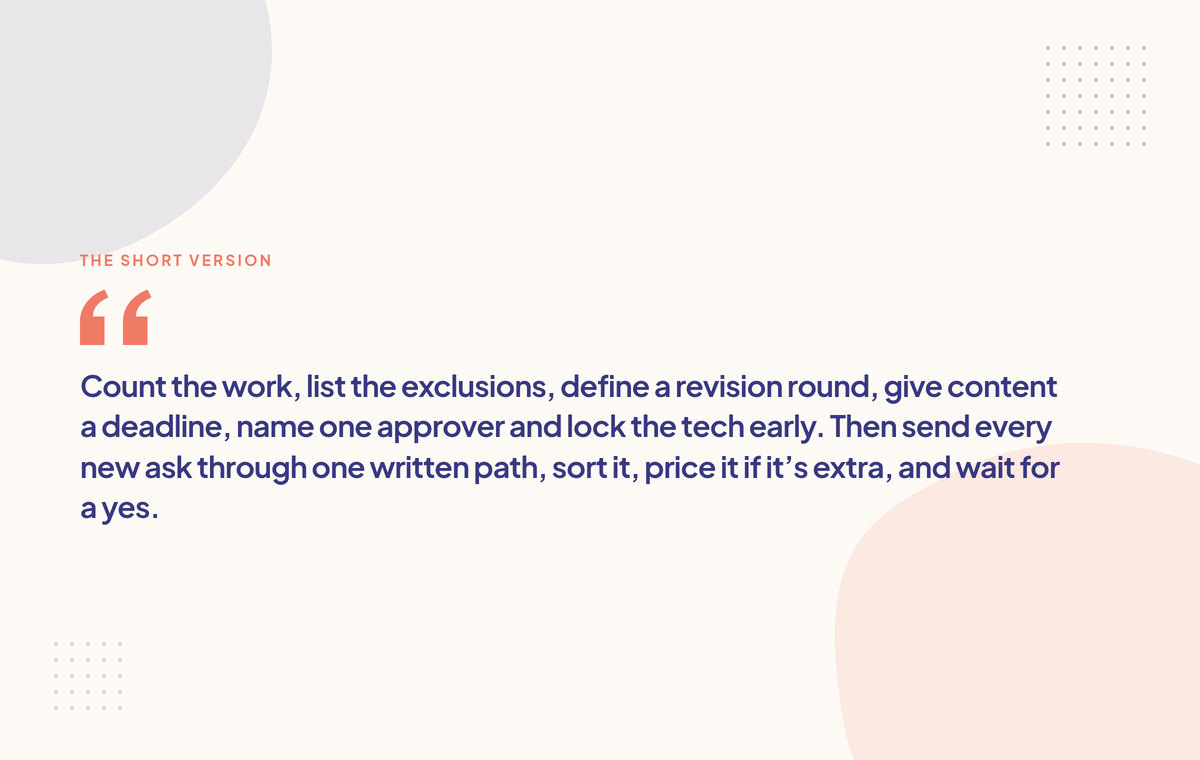
Count the work, list the exclusions, define a revision round, give content a deadline, name one approver and lock the tech early. Then send every new ask through one written path, sort it, price it if it's extra, and wait for a yes. If a client is already on a retainer with you, handling extra work on a retainer picks up from here.
Creepless checks every client request against the scope you agreed.